🚧 This repository is still under construction. 🚧

Please feel free to explore and contribute, but note that there may be frequent changes.

CellMapFlow Logo

Under Construction

Real-time inference is performed using Torch/Tensorflow, Dacapo, and bioimage models on local data or any cloud-hosted data.

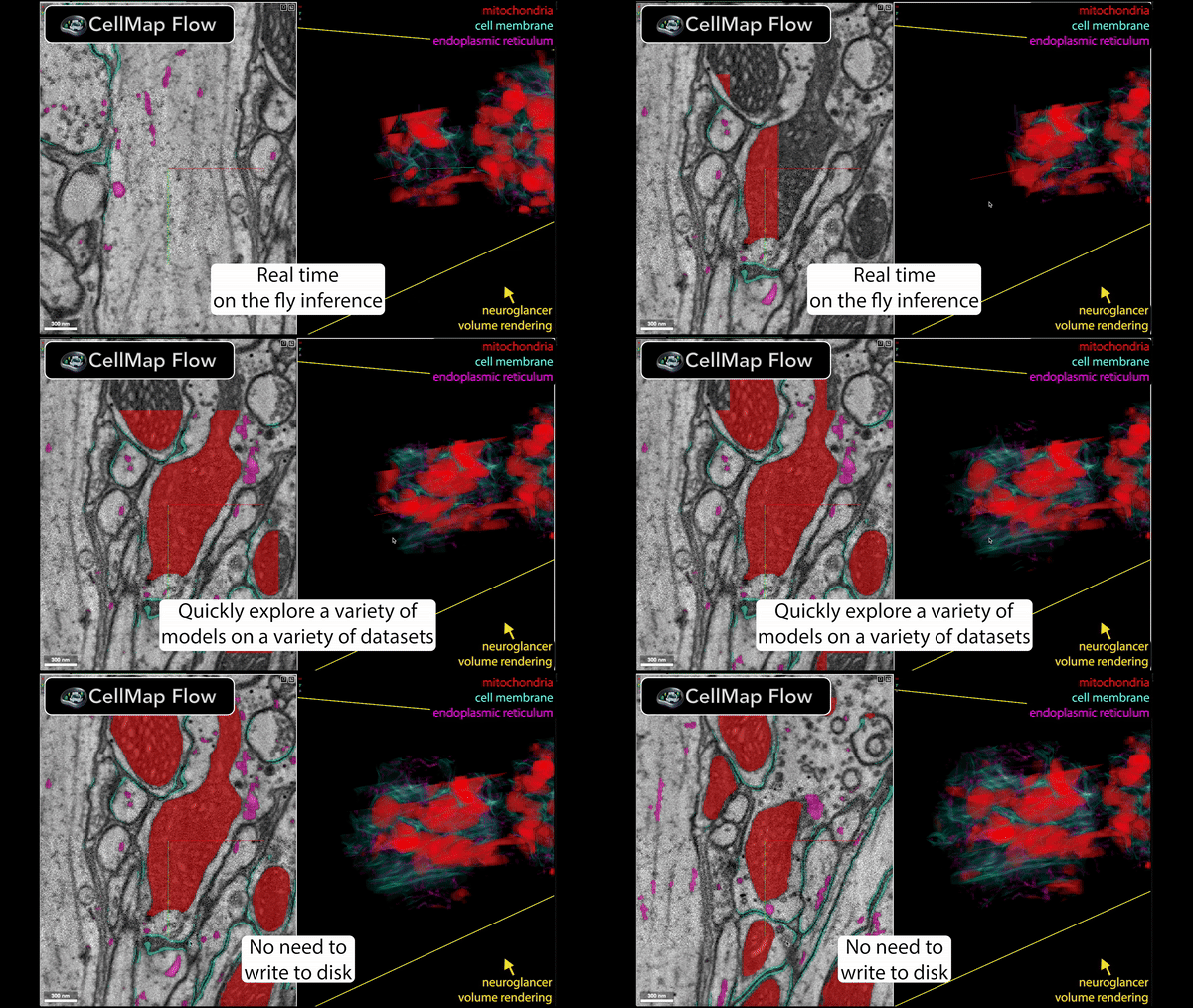
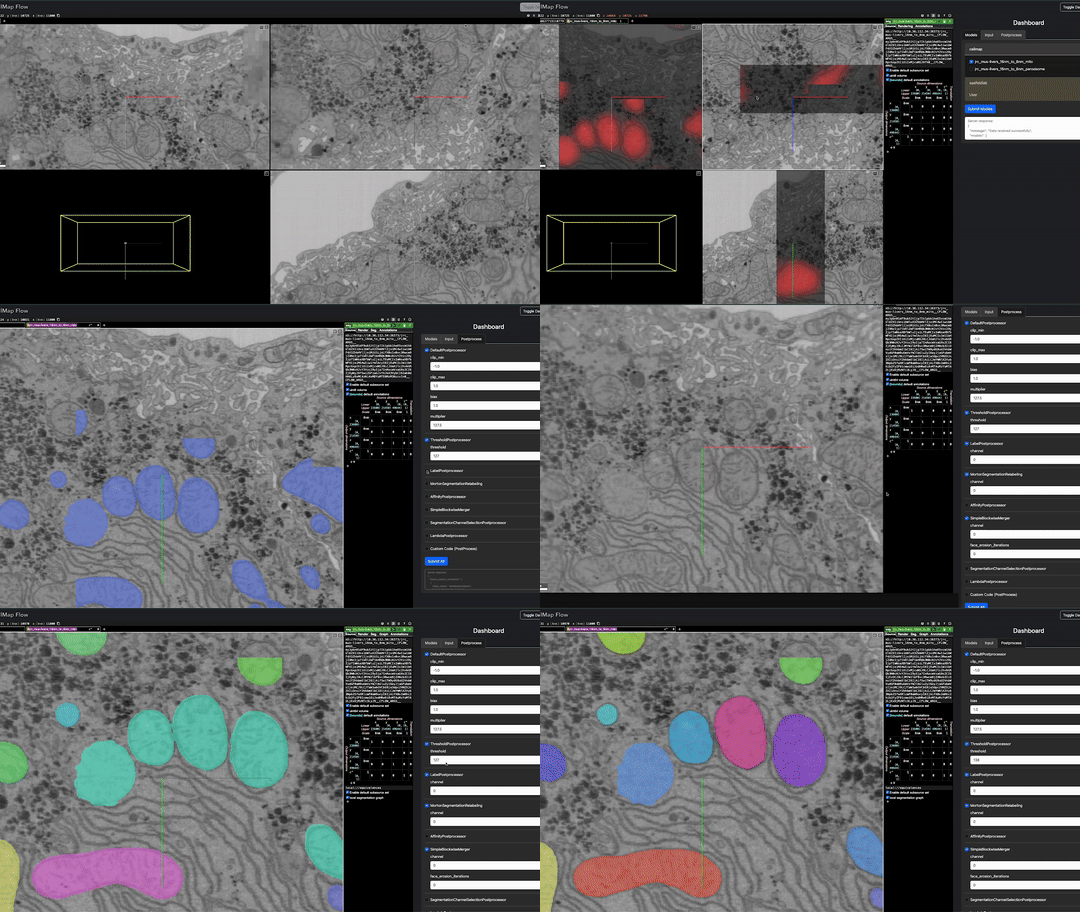
Animated demonstration of CellMapFlow's real-time data processing workflow

🚀 Speed up your data processing from months to minutes!

Real-time data processing visualization

Installation

With pip

To install CellMapFlow, you can use pip:

pip install cellmap-flow

Note that the basic installation does not include DaCapo and BioImage.io core dependencies. To install CellMapFlow with DaCapo support, use the following command:

pip install cellmap-flow[dacapo]

To install CellMapFlow with BioImage.io support, use the following command:

pip install cellmap-flow[bioimageio]

To install CellMapFlow with both DaCapo and BioImage.io support, use the following command:

pip install cellmap-flow[dacapo,bioimageio]

Installing from GitHub

To get an unreleased branch without cloning:

pip install "cellmap-flow @ git+https://github.com/janelia-cellmap/cellmap-flow.git"

Append @<branch> to the URL for a specific branch, and add extras in brackets after the name, e.g. "cellmap-flow[dacapo] @ git+https://github.com/janelia-cellmap/cellmap-flow.git@my-branch".

For development, clone and install in editable mode instead:

git clone https://github.com/janelia-cellmap/cellmap-flow.git
cd cellmap-flow
pip install -e .

Finetuning

Interactive finetuning needs two dependencies that cannot come from PyPI — a MinIO server (conda-forge only) and a Neuroglancer fork with voxel-annotation support — so pip install cellmap-flow[finetune] on its own is not enough. See docs/finetuning.md for the full setup.

Any model whose network is plain PyTorch can be finetuned from the dashboard, with LoRA or in full: cellmap and Hugging Face exports, fly checkpoints, DaCapo runs, scripts, BioImage Model Zoo models with PyTorch weights, and Cellpose (on its flows, from sparsely painted instances). A compiled (TorchScript) zoo model is finetuned in full only, and ONNX or TensorFlow ones not at all; the Finetune tab offers only what the selected model allows.

Usage

cellmap_flow has a subcommand for each job; cellmap_flow <command> --help shows its options, and the CLI page lists them all, with the names they had before 0.3.0.

$ cellmap_flow --help

Commands:
  blockwise  Run the model a blockwise YAML describes over the whole...
  dashboard  Serve the dashboard alone, for a viewer already running.
  doctor     Check the environment: what is installed, what is missing,...
  add        Resolve a model reference into a model entry, and optionally run it.
  envs       The environments models run in, besides this one.
  finetune   The finetune tools.
  infer      Start a model's inference server, then open the viewer on...
  models     List the model types and the arguments each takes.
  plugins    Register, unregister and list plugins.
  serve      Serve one model's predictions, as an inference job does on...
  view       Start CellMap Flow viewer with a dataset.
  yaml       Run multiple model inference jobs from a YAML configuration...

$ cellmap_flow view -d data_path                       # pick models in the dashboard
$ cellmap_flow yaml config.yaml                        # the models a YAML lists
$ cellmap_flow infer huggingface -r cellmap/fly_organelles_run08_438000 -d data_path
$ cellmap_flow infer cellpose -v 64 -d data_path                 # Cellpose-SAM
$ cellmap_flow infer bioimage -m conscientious-dromedary -d data_path
$ cellmap_flow infer fly -c /path/to/run/model_checkpoint_20000 -d data_path
$ cellmap_flow infer script -s script_path -d data_path

In the dashboard, the Models tab’s Job Logs shows each model’s server output as it runs: starting while it waits in its queue, installs its environment or loads, then its status, and failed to start with its traceback when it dies before serving.

A data path is a zarr (v2 or v3), N5 or Neuroglancer precomputed volume, on disk or at an s3://, gs:// or https:// URL; public buckets are read anonymously, private ones with your AWS or Google credentials. See data paths.

A model is fed the dataset’s level at its own voxel size. When the dataset has no such level, the nearest one is resampled to it. --no-resample (or resample: false in a YAML, or unticking the dashboard’s Resample if no scale matches the model box) uses the nearest level as it is instead, and the dashboard warns that the model sees the wrong scale.

Inference engine

Models are served through chunkmirage, which keeps each model’s output in memory. Panning back to chunks you have seen, or changing only the postprocessing, reuses that output instead of running the model again. The chunks nearest your view go to the GPU first, and chunks you have panned away from are dropped.

Using the previous Flask server instead. It is still included for now. Set this before starting the viewer or the YAML runner; it carries over to every model and finetune job they start:

export CELLMAP_FLOW_ENGINE=flask      # chunkmirage is the default

Compatibility:

  • A model whose environment does not have chunkmirage (one you point it at with env:) is served by the Flask server, with a warning in its log. Setting CELLMAP_FLOW_ENGINE=chunkmirage makes that an error instead.

  • This dashboard shows layers from either kind of server, including servers started by an older cellmap-flow. A dashboard from an older cellmap-flow cannot show a chunkmirage server’s layers: run both from the same version, or set CELLMAP_FLOW_ENGINE=flask for servers an older dashboard uses.

  • The layer URLs differ: a chunkmirage layer is zarr://<server>/<model><settings>/zarr, with any channel axis first and chunk keys separated by /. A Flask layer has no /zarr, and puts the channel axis last. Only code that reads a server’s zarr directly sees the difference. The /__control__/... routes are the same on both.

  • Memory: a chunkmirage server keeps up to 16 GiB of predictions. CELLMAP_FLOW_PREDICTION_CACHE_BYTES changes that (0 for none), and CELLMAP_FLOW_RAW_CACHE_BYTES (1 GiB) bounds the raw data kept.

Model types

Each model has a type, which says how it is loaded and which environment its server runs in. In a YAML it is the model entry’s type; on the command line, cellmap_flow infer <type>; in the dashboard, the Models tab lists the CellMap catalog, the cellmap/* Hugging Face models, the BioImage Model Zoo and Cellpose-SAM. cellmap_flow models lists every type and its arguments.

You rarely need to pick the type yourself: cellmap_flow add REF works it out from what you have, and prints the YAML entry, saying what it still needs. In the dashboard, paste the same REF into the Models tab’s Add a model box: Resolve says what it is and where it runs and asks for anything missing (a Cellpose model’s voxel size, say), and Run starts it, ticked among the models, without a YAML or a restart. REF is a path (a model script, an exported folder, a checkpoint, Cellpose weights), a zoo nickname or bioimage.io link, a Cellpose model name, a Hugging Face org/repo, or dacapo:run@iteration. A whole config YAML is a run, not a model: run it with cellmap_flow yaml.

$ cellmap_flow add conscientious-dromedary            # a BioImage Model Zoo model
$ cellmap_flow add cpsam_v2 -v 64                     # Cellpose-SAM
$ cellmap_flow add cellmap/fly_organelles_run08_438000 # a Hugging Face repo
$ cellmap_flow add /path/to/run/model_checkpoint_20000 --run -d data_path

Type

For

Runs in

cellmap

A folder cellmap_models exported (metadata.json + model.ts)

this environment

huggingface

A Hugging Face repo in that format (the dashboard lists cellmap/*; any other model on the Hub needs a script)

this environment

fly

A fly_organelles training checkpoint, .ts or model.pt

fly (a .ts: this environment)

cellpose

Cellpose 4: Cellpose-SAM (cpsam_v2, cpsam) or finetuned weights

cellpose4

bioimage

Any BioImage Model Zoo model: id, nickname, DOI, URL or rdf.yaml

bioimageio

dacapo

A DaCapo run and iteration

this environment (DaCapo does not install in pixi’s dacapo environment yet: give env: a conda environment with it)

script

Any model, from a Python script that defines it

this environment

finetune

A LoRA adapter or full finetune on top of another model

its base model’s

An entry’s env overrides where it runs: a pixi environment’s name, the path of a conda environment, or current for this one. ~/.cellmap_flow/envs.yaml maps environment names to conda environments, for machines without pixi:

cellpose4: /groups/mylab/home/me/miniconda3/envs/cellpose4

See YAML configuration for every type’s arguments, and the examples in example/.

Cellpose

type: cellpose runs Cellpose 4 on each z slice of a chunk. Cellpose-SAM sees cells best about 30 voxels across, so pick the voxel_size (nm) where yours are about that size:

models:
  cells:
    type: cellpose
    voxel_size: 64
    pretrained_model: cpsam_v2   # or cpsam, or the path of finetuned weights
    output: flows                # the default: all three channels; or probability, or masks

output

Channels

dtype

flows (default)

flow_y, flow_x, cell

float32

“Flows + probability” on the Models tab, not masks: Cellpose’s flows towards each object’s centre (its dP, about -5 to 5), then the cell probability; the layer colours each voxel by its flow’s direction, dimmed by cell (untick the shader’s flows box for cell alone), and CellposeMasksPostprocessor makes masks of them

probability

cell

float32

The cell probability alone, 0 to 1 (the sigmoid of Cellpose’s logit)

masks

cell

uint64

Instance ids, unique within a chunk

Masks are made chunk by chunk: add MortonSegmentationRelabeling to the postprocessing so that ids differ between chunks. Each slice’s masks are separate unless stitch_threshold (0 to 1, masks only) links them: a mask takes the id of the one in the slice before that it overlaps by at least that IoU, within a chunk. Cellpose-SAM’s weights are for non-commercial use. See example/cellpose_sam.yaml.

In the dashboard, the Models tab’s Cellpose panel lists cpsam_v2 and cpsam (the DINO models need a package the cellpose4 environment lacks). Tick one, give its voxel size (required) and output, and Submit Models: it runs as cellpose_sam_v2 for the default Flows + probability (cellpose_sam_v2_probability, cellpose_sam_v2_masks for the other outputs, so + output can run two side by side).

BioImage Model Zoo

type: bioimage runs a BioImage Model Zoo model through bioimageio.core, with the model’s own pre- and postprocessing. Its tile size, halo and output type come from the model’s description. No zoo model declares the voxel size it was trained at, so cellmap-flow keeps them for the zoo’s EM models, looked up by hand with their sources (bioimage_voxel_sizes.yaml), and runs each at its own unless voxel_size says otherwise; any other model needs voxel_size. A context of about 16 voxels hides seams between chunks:

models:
  mito:
    type: bioimage
    model: conscientious-dromedary   # a 3D mitochondria U-Net, trained at 30x8x8 nm (MitoEM)
    context: [0, 16, 16]

In the dashboard, the Models tab’s BioImage Model Zoo list searches the whole zoo (EM models by default), refreshed from bioimage.io hourly, and fills in a ticked model’s voxel size with the one it was trained at, saying where that number comes from. Models that need prompts or several inputs (micro-SAM) are not supported. See example/bioimage_em.yaml.

fly_organelles checkpoints

type: fly serves a checkpoint fly_organelles trained. Channel names, voxel sizes and tile size are read from the run’s folder (its train.py, training snapshots or config.yaml) when the entry does not give them, so the checkpoint alone is often enough:

cellmap_flow infer fly -c /path/to/run/model_checkpoint_20000 -d data_path

A folder cellmap_models exported is served with type: cellmap instead.

DaCapo

cellmap_flow infer dacapo -r 20241204_finetune_mito_affs_task_datasplit_v3_u21_kidney_mito_default_cache_8_1 -i 700000 -d /nrs/cellmap/data/jrc_ut21-1413-003/jrc_ut21-1413-003.zarr/recon-1/em/fibsem-uint8/s0

Custom script

This enables using any model by providing a script e.g. example/model_spec.py e.g.

cellmap_flow infer script -s /groups/cellmap/cellmap/zouinkhim/cellmap-flow/example/model_spec.py -d /nrs/cellmap/data/jrc_mus-cerebellum-1/jrc_mus-cerebellum-1.zarr/recon-1/em/fibsem-uint8/s0

Define these variables in your script (cellmap_flow infer script -s path/to/your_script.py):

  • model: The PyTorch model to be used for inference.

  • input_size: The voxel shape of the data to be input to the PyTorch model.

  • output_size: The voxel shape of the data in output by the PyTorch model.

  • input_voxel_size: The voxel size of the data input to the model.

  • output_voxel_size: The voxel size of the data output by the model.

  • output_channels: The number of channels in the output of the model.

  • process_chunk (optional): (Optional) A function that takes an ImageDataInterface and an ROI and returns the data to be display. This can be used to run a TensorFlow model or do other custom data processing.

To run TensorFlow models, we suggest installing TensorFlow via conda: conda install tensorflow-gpu==2.16.1

Run multiple models at once:

List them in a YAML file (docs/source/yaml_config.rst) and run

cellmap_flow yaml config.yaml